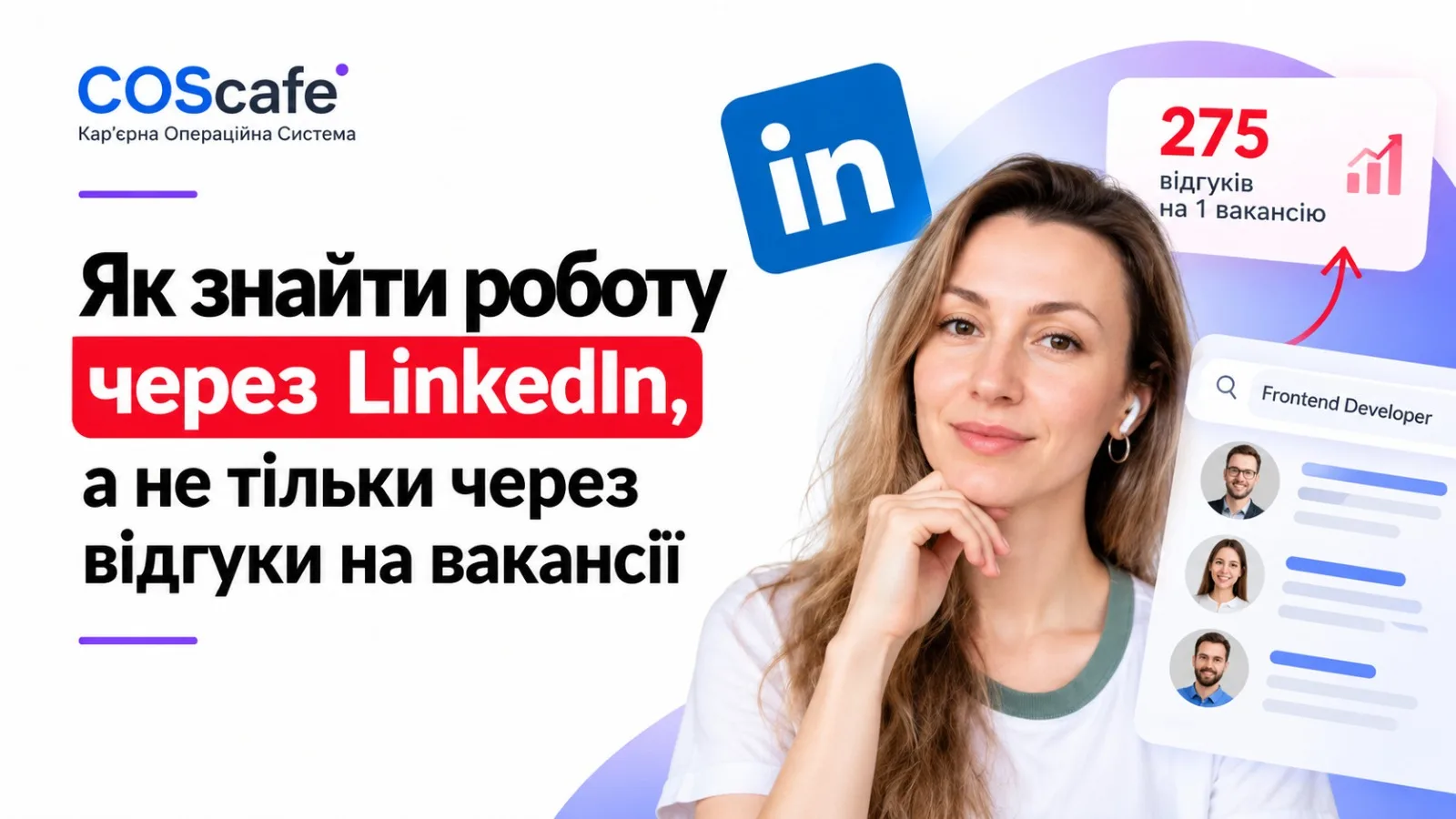
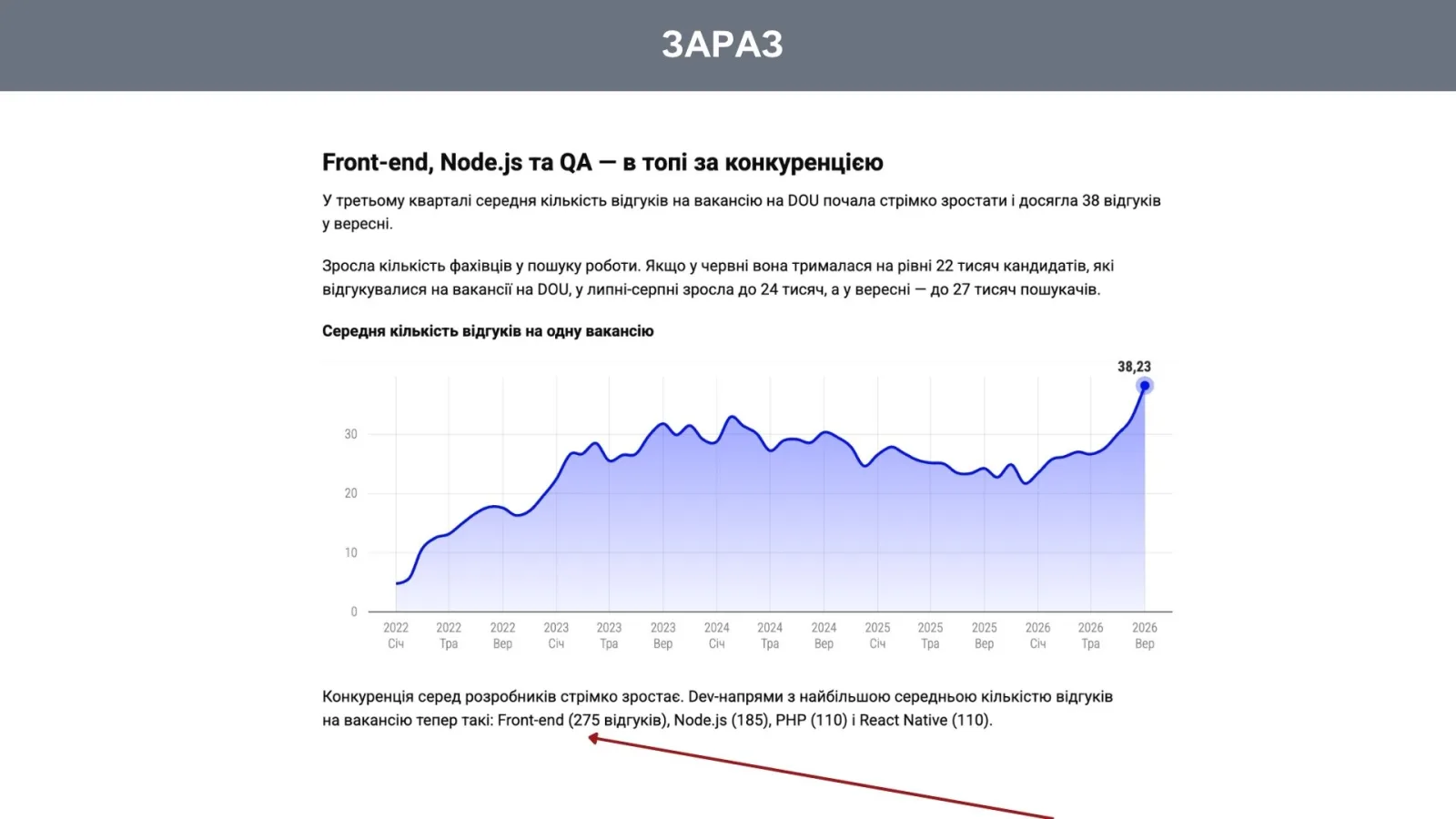
In September, a single frontend developer role drew an average of 275 applications. In a queue that long, your resume is buried within hours. For some candidates this doesn't apply at all — they get found through LinkedIn before they ever send anything. Below: what's happening with this queue in the IT market right now, why LinkedIn search bypasses it, and how to build a profile recruiters actually find.
Why the queue of applicants per job keeps growing
According to the DOU IT job market review, 6,340 openings hit the site in September — a third fewer than the March peak. At the same time, the number of people applying jumped from 22,000 to 27,000 in just three months. Competition is fiercest in Front-end: those same 275 applications per role. Things are calmest right now in Hardware, Embedded and Security, where fewer than ten people compete for a position.
Companies feel this queue just as acutely as candidates do, and they're already building tools to avoid reading it by hand. On October 12, Fortune covered TwinCafe — a service from Eightfold AI where a candidate uploads their resume and profile, and the system creates a digital twin to answer a recruiter's questions before any live conversation. The founder says it plainly: it's a way to avoid capping the first screen at five candidates. In other words, before a human ever sees your application, it first has to pass an initial screening algorithm.
And that algorithm isn't neutral on its own. SHRM reports on a Princeton and University of Chicago simulation across 15 language models: bias in hiring decisions grew with each successive candidate, and asking the model to "be fair" or simply to explain its reasoning step by step didn't fix it — only an explicit instruction to account for diversity among candidates worked. The researchers stress that this is a simulation on fictional groups, and how it actually plays out in real hiring hasn't yet been confirmed. But the takeaway for candidates is practical right now: your profile has to carry the evidence itself — concrete numbers and keywords — rather than counting on someone on the other side of the screen to "figure it out."
Why a recruiter opens LinkedIn before your application even arrives
You can simply stay out of that queue. When a company hires fast or for a hard-to-fill role, the recruiter doesn't wait for applications — they go looking. In a DOU survey of Ukrainian companies hiring in Poland (August 2026), N-iX fills about 90% of its roles through direct LinkedIn search: the recruiter finds a profile and reaches out first. For the same task, SoftServe also sources candidates directly on No Fluff Jobs and Just Join IT.
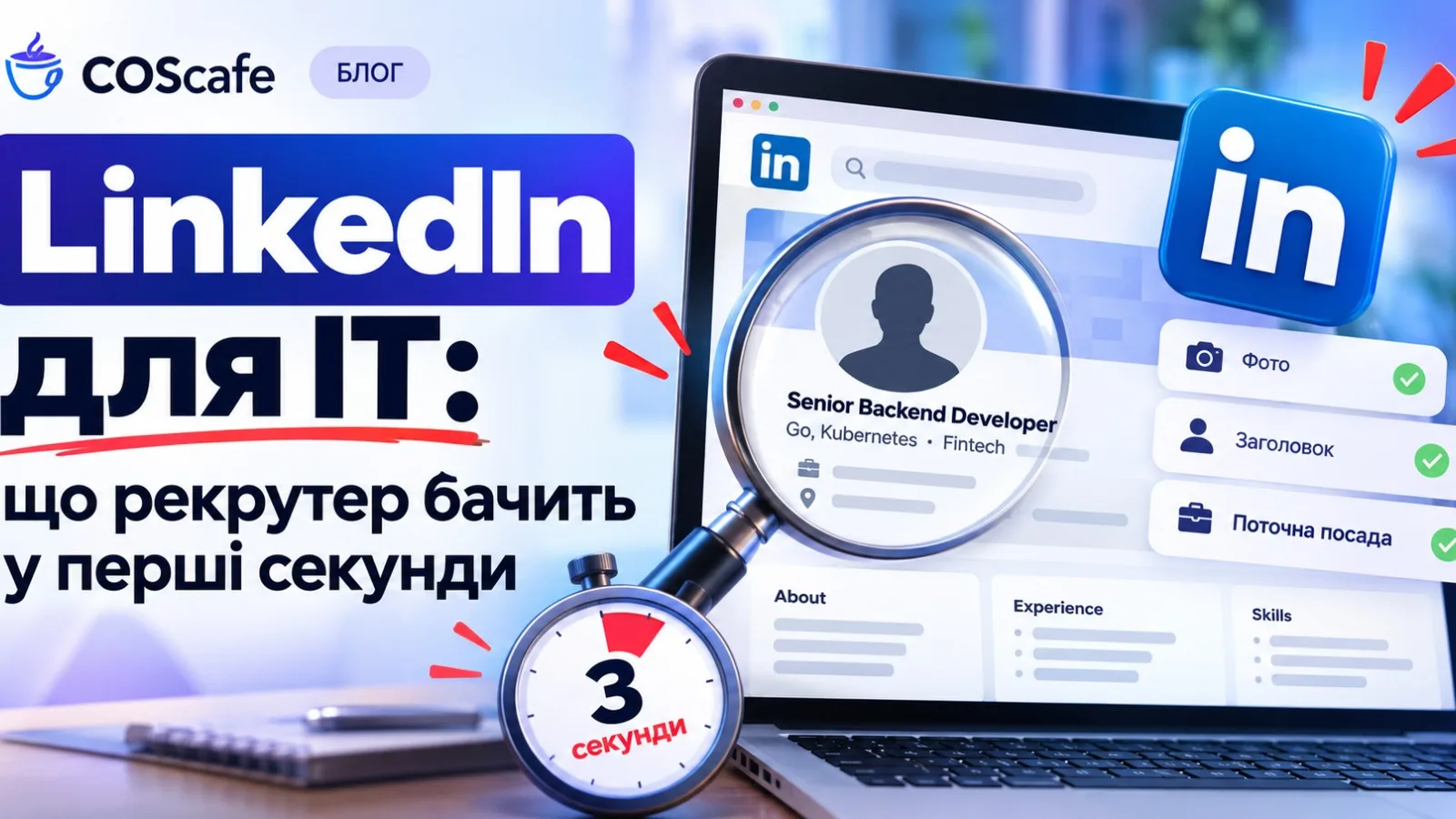
LinkedIn search reads literally, by keyword. A "Frontend Developer" headline will only surface for the query "Frontend Developer." A headline with the role, stack, domain and a number will catch far more of a recruiter's relevant searches:
- Frontend Developer
- Senior Frontend Developer · React & TypeScript · Fintech · Sped up checkout by 30%
The same principle applies in the "Experience" section: instead of a list of responsibilities, give one or two concrete numbers per role. Recruiters filter profiles in seconds and need something measurable to latch onto, not a description of your process.
A LinkedIn profile that actually gets found
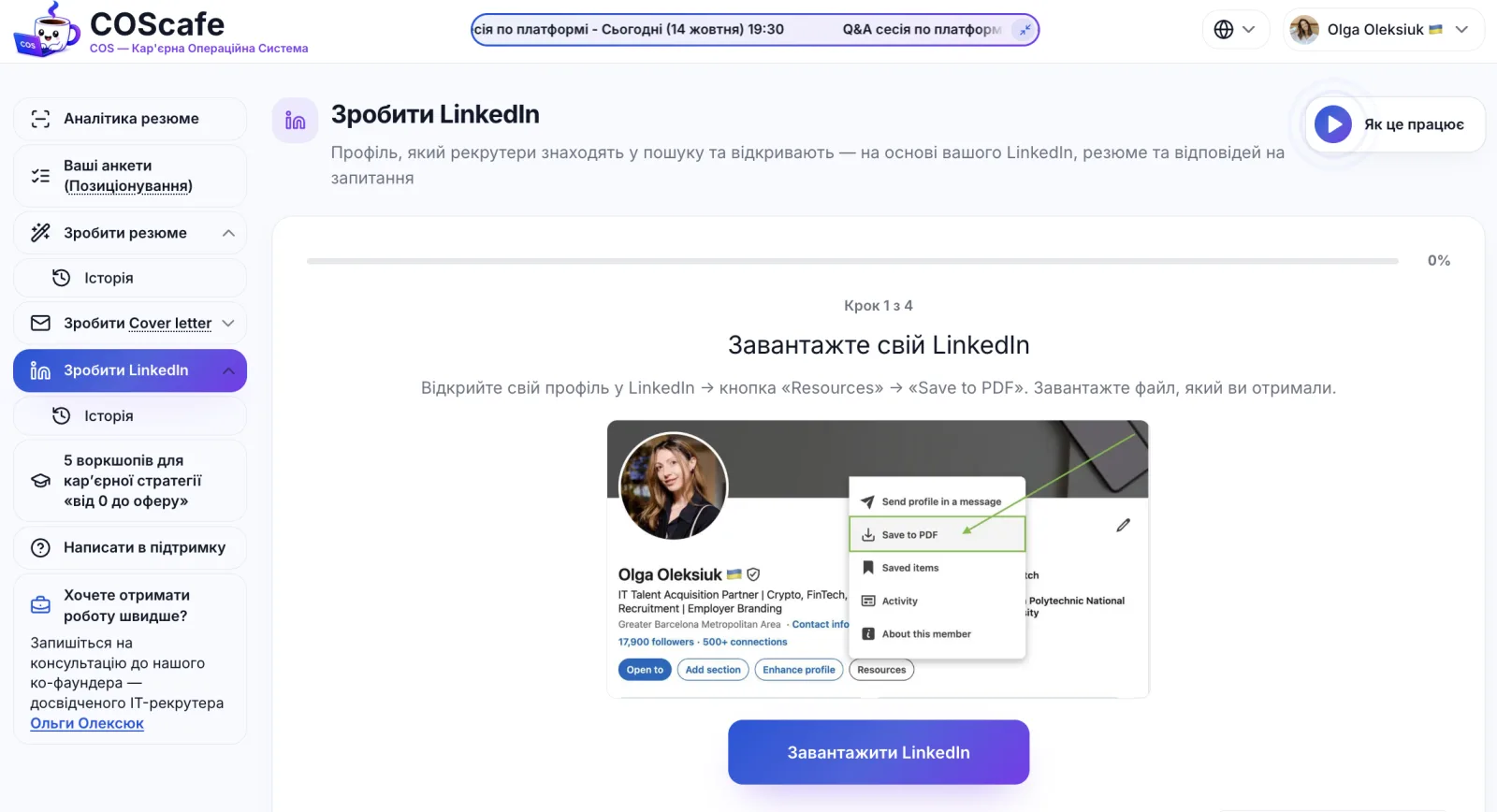
The headline and the numbers solve half the problem. The other half is getting the profile to rank in search at all: LinkedIn surfaces profiles that get updated, while one that's built once and forgotten gradually sinks to the second or third page of results. At COScafe, your LinkedIn profile is built from 32 positioning questions, so updating it for a new goal or new experience takes a minute — no need to rewrite it from scratch. A few minutes once every two or three months, and your profile stays at the top of the results exactly when a recruiter types in their query.
A profile that stays with you between job searches
A year and a half later, that same candidate opens their laptop for a new search — and can't remember which version of their LinkedIn profile they last updated, or for what goal. They're starting almost from scratch, even though the work on the headline and experience was already done before.
At COScafe, your LinkedIn profile history stays in your account, so you can pull it up and update it in a minute instead of remembering everything from scratch. On the Quarterly and Lifetime plans, you also get a five-lesson career strategy — a full step-by-step breakdown of your LinkedIn profile, resume and positioning (we covered the general approach in this week's video), plus interview prep and 8+ job search strategies.
If you already have Lifetime, all five lessons are already in your account — nothing extra needed on your end.
Frequently asked questions
Does LinkedIn work even if I never apply to jobs?
Yes, as long as your profile contains the keywords recruiters actually search for: role, stack, domain, level. Search and recruiting screening are two different systems, and a "findable" profile works in the background whether you apply or not.
What should my LinkedIn headline say if I'm openly job searching?
Role + specific stack + domain + one result number. "Looking for work" in the headline takes up space that could get you found and adds nothing to search.
Should I turn on "Open to Work"?
It depends on the company and the market: the badge is visible to everyone, including your current employer, unless you limit visibility to recruiters only. Check your privacy settings before turning it on.
How often should I update my LinkedIn profile while job searching?
Every 2–3 months, or whenever you have a new measurable result. LinkedIn search ranks recently edited profiles higher, so regular updates are also a signal to the system itself.